

Common Issues We Fix



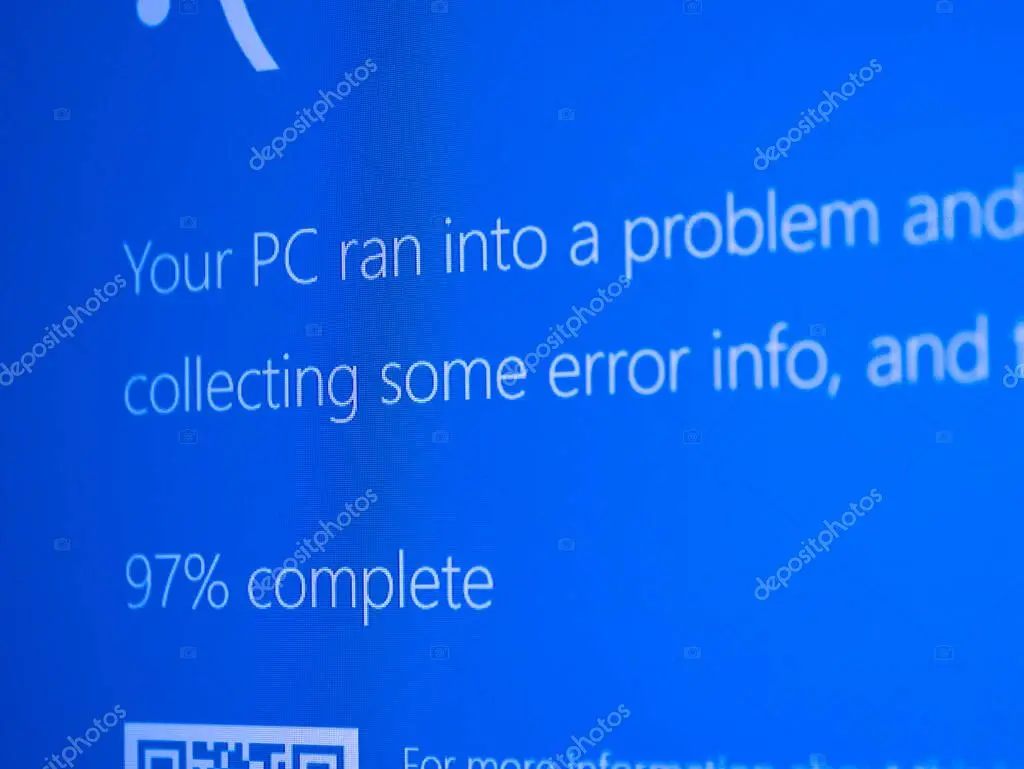


Our Computer Repair Services

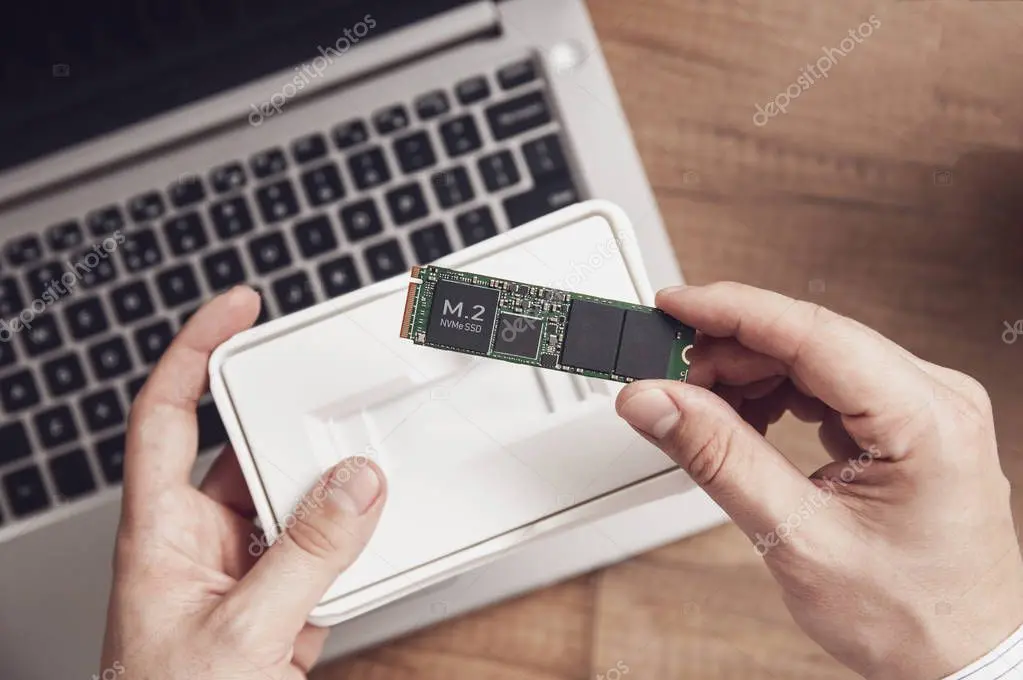


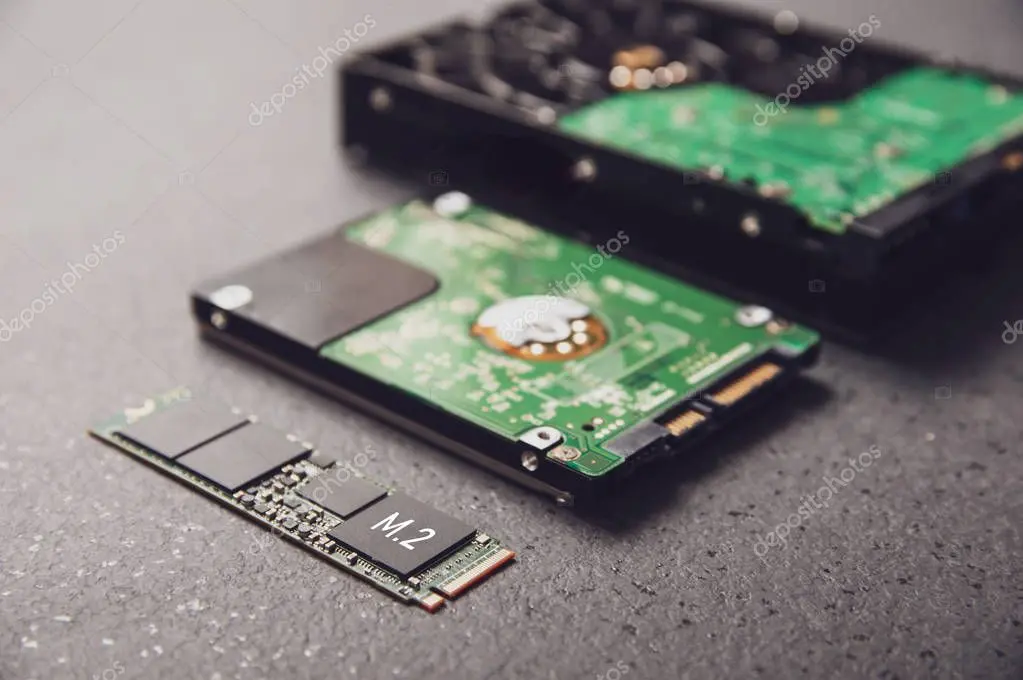
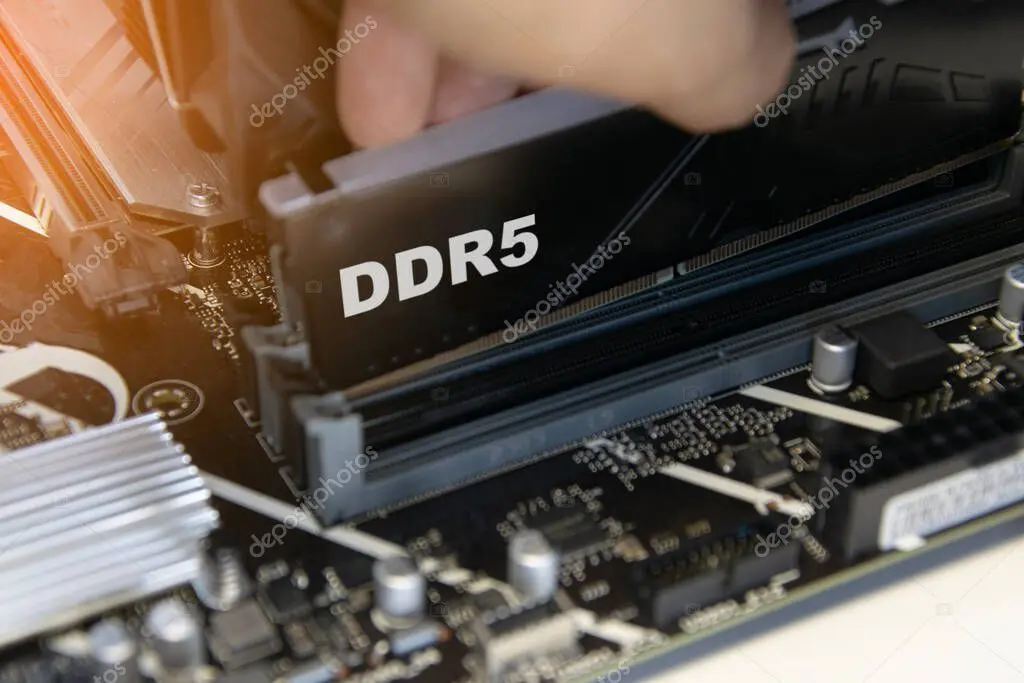
Brands & Operating Systems
We repair most major brands and custom builds:
- Dell, HP, Lenovo, ASUS, Acer, MSI
- Apple Mac (out of warranty), Intel NUC & SFF PCs
- Custom desktops and white‑label systems
Operating systems and platforms:
- Windows 10/11, Windows Server (basic), macOS
- Linux distributions (Ubuntu, Debian, Fedora) for desktop
If your brand or OS is not listed, contact us—odds are we can help.
Pricing & Turnaround
Clear, upfront pricing—no surprises.
- Diagnostic assessment: from $79, credited toward repair if you proceed
- Typical repairs: $129–$349 depending on parts and complexity
- Data recovery (logical): from $149; urgent priority available
- Parts: quoted at cost‑effective rates with options where possible
Turnaround:
- Standard repairs: 2–4 business days after approval
- Priority service: next‑business‑day diagnostics (subject to queue)
Warranty: 90‑day workmanship warranty on repairs; manufacturer warranty on parts.
Your Data, Protected
We treat your information with care:
- Data‑first approach: we back up user data (when accessible) before major changes
- Secure media handling and labelled chain of custody during service
- No access to personal content unless required for troubleshooting
- Drives are wiped or securely returned on request after replacements
Describe the issue and device model. We’ll confirm pricing and next steps fast.
Prefer a call?
0418 199 406